 RU
RU ZH
ZH IT
IT ES
ES TR
TR JA
JA PT
PT KO
KO FR
FR DE
DE AR
AR ID
ID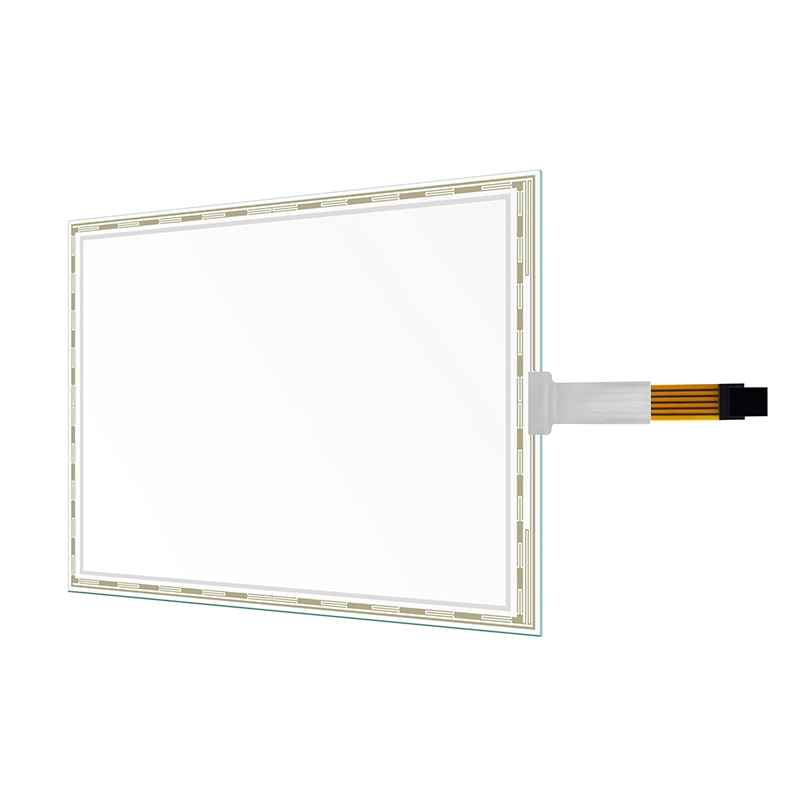
Why OEM Buyers Still Choose Resistive Touch Screens for Stable, Cost-Effective Performance
Learn More



When an Android touch panel PC is installed as part of a machine, terminal, or smart infrastructure system, connectivity directly affects how easily the device communicates with other hardware. The display itself may look like the main component, but the interfaces determine how it receives video, connects to a network, accesses external storage, and communicates with peripheral devices.
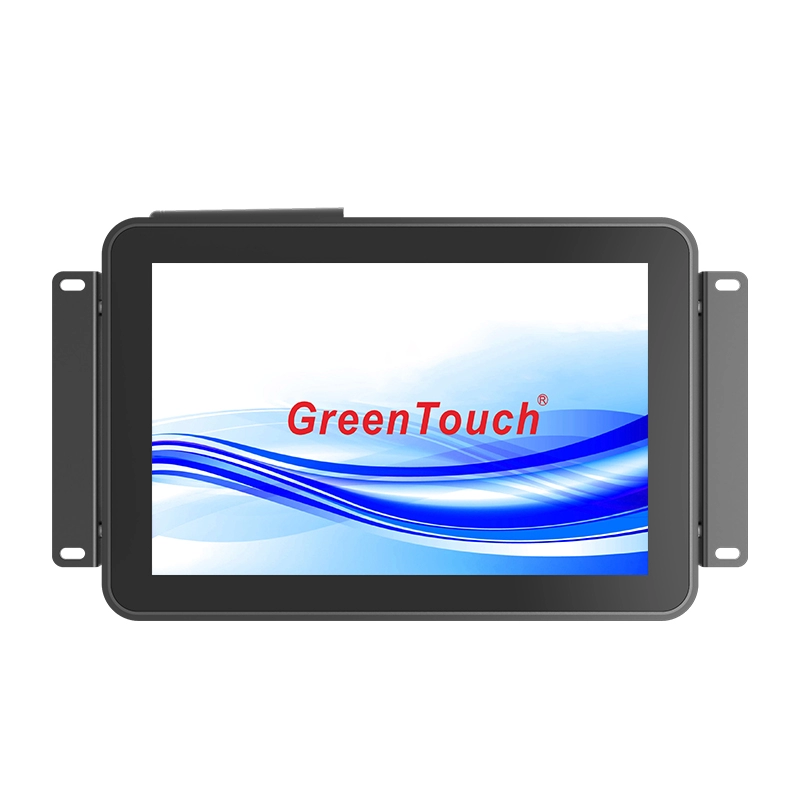
For equipment manufacturers, this means interface selection should be considered together with the processor, memory, storage, touch function, and physical installation requirements. The Open Frame Touch Panel PC 7-55 Inches (2C Series) combines several commonly required interfaces in one Android-based platform, including HDMI, USB, LAN, TF, DC 12V input, power, and audio output. Its connections are positioned on the rear and face downward, which helps simplify cable routing when the panel PC is installed as part of a larger system.
HDMI is primarily used when the Android panel PC needs to output or connect with compatible digital display equipment. In the 2C Series, HDMI is provided as the display interface for the Android configuration.
For system integrators, the practical value of HDMI is straightforward: it provides a digital video connection without requiring separate analog display hardware. This can be useful when an application includes an additional display, video equipment, or another compatible digital device.
The role of HDMI also needs to be considered alongside the display size. The 2C Series covers a wide range of screen sizes from compact 7-inch models through larger 32-inch, 43-inch, 50-inch, and 55-inch configurations. Full HD and UHD multi-touch displays are supported across the series, depending on the selected configuration.
This gives equipment designers room to develop different terminal sizes while retaining an Android touch panel PC architecture.
USB is generally more concerned with peripheral connectivity than video output. An Android touch panel PC may need to communicate with keyboards, mice, USB storage devices, scanners, or other compatible peripherals depending on the application.
The 2C Series includes USB ports on the rear of the unit. Because these connections face downward, cable installation can be more practical when the panel PC is positioned against a mounting surface or integrated into equipment.
For example, a smart retail terminal may need a USB-connected peripheral, while a logistics workstation may require a scanner or external input device. The actual peripheral compatibility depends on the Android software and hardware configuration, but having USB available as part of the standard interface set gives system designers a familiar connection method.
USB can also be useful during system commissioning and maintenance. Instead of designing a dedicated interface into the equipment for every external device, integrators can use standard USB connectivity where supported by the application.
For industrial and commercial systems that depend on network communication, LAN is one of the more important interfaces on the panel PC.
The 2C Series includes a high-speed Gigabit Ethernet port. Compared with relying only on wireless communication, a wired Ethernet connection can provide a direct network link for equipment that needs stable communication with a local network or other connected systems.
This is particularly relevant to smart manufacturing and digital workshop environments. An Android touch panel PC can act as an operator-facing interface while communicating with networked equipment or backend systems. In smart logistics and warehousing, the network connection can support the terminal's communication with the broader information system, subject to the software architecture of the project.
The 2C Series also includes built-in 802.11b/g/n Wi-Fi. Having both wired Gigabit Ethernet and wireless connectivity gives integrators more flexibility when planning the network architecture.
A fixed installation may favor LAN, while a location where running an Ethernet cable is inconvenient may use Wi-Fi. The final choice depends on the site's network environment, data requirements, and system security policies.
The TF card interface serves a different purpose from LAN and HDMI. Rather than connecting the panel PC to another system or display, it provides a practical option for removable storage.
The 2C Series supports a TF card and is available with 32GB to 64GB SSD storage, depending on the configuration. This combination allows equipment designers to consider both internal storage and expandable storage when planning the Android system.
Local storage can be useful for application files, configuration data, locally stored media, or other project-specific content. In environments where content needs to be transferred or updated locally, removable TF storage can also provide an alternative to network-based deployment, subject to the system's software permissions and security requirements.
For an OEM project, the important point is not simply that a TF slot exists. The available storage architecture should be matched to the intended application, data volume, update method, and Android software requirements.
In addition to HDMI, USB, LAN, and TF, the 2C Series includes a DC 12V input, power connection, and audio output.
The DC 12V input is relevant when the panel PC needs to be incorporated into equipment with a suitable low-voltage power architecture. Instead of treating the display as a separate consumer device, the integrator can consider the panel PC as one component within the overall electrical design.
Audio output can also be useful for terminals that require sound notifications, instructions, or application-related audio. Its usefulness depends on the software and connected audio equipment, but having audio available reduces the need for an entirely separate computing platform simply to manage basic multimedia functions.
Together, these interfaces make the 2C Series more than a touchscreen display. It is an Android computing platform with display, network, storage, peripheral, power, and audio connectivity built into the same product.
The type of interface is only one consideration. Its physical position can also affect installation work.
On the 2C Series, the main connections are located on the back of the unit and face downward. This arrangement can help keep cables directed toward the lower side of the equipment instead of extending directly outward from the rear.
For OEM equipment manufacturers, this can make a difference when the available installation depth is limited. Cable routing is easier to plan when connectors have a predictable direction, particularly in applications where the panel PC is mounted close to another structure.
The 2C Series also uses a compact-frame structure and a 3.5mm low-profile raised edge. Its rear external bracket supports recessed installation, while VESA mounting options are available for wall-mounted and desktop configurations.
These mechanical features should be considered together with the interface layout. A good I/O configuration is more useful when the connectors remain accessible and practical after the panel PC has been installed.
Connectivity cannot be separated from the computing platform. The 2C Series uses Rockchip RK3566, RK3568, or RK3588 processor options, with configurations supporting 2GB to 8GB RAM and 32GB to 64GB SSD storage.
The appropriate configuration depends on what the Android application needs to do. A simple operator interface may have relatively modest computing requirements, while a more demanding multimedia or industrial application may require a higher configuration.
The processor, RAM, internal storage, TF card support, Ethernet, Wi-Fi, USB, and HDMI should therefore be evaluated as one system rather than as isolated specifications.
For example, an application may require a wired network connection for system communication, USB for a peripheral, local storage for application data, and HDMI for an additional display. In this case, the value of the panel PC comes from having these functions available within one integrated platform.
The connectivity of the Open Frame Touch Panel PC is particularly relevant to applications where an Android interface needs to interact with several types of hardware.
Smart manufacturing terminals may use LAN for network communication and USB for external peripherals. Smart retail and catering equipment may combine touch interaction with network connectivity and audio. Medical informatics terminals can require a combination of touch input, wired or wireless networking, and peripheral devices. Smart logistics and warehousing systems can also benefit from a networked Android interface with local storage and external device connectivity.
The 2C Series is designed for these types of applications while supporting screen sizes from 7 to 55 inches. Its 10-point projected capacitive touch system provides sensitive and accurate touch input, while the industrial-strength structure is designed for long lifecycle applications and 24/7 operation.
For OEM buyers, connectivity is only one part of evaluating a panel PC supplier. The manufacturer's ability to control touch integration, assembly, testing, customization, and production consistency can have a direct impact on the finished equipment.
ShenZhen GreenTouch Technology Co.,Ltd. specializes in touch products including capacitive touch screens, resistive touch screens, infrared touch frames, nano touch foil, touch monitors, touch all-in-one PCs, and digital signage equipment. The company operates an automated production line and an enclosed dust-free workshop and has obtained ISO9001 and ISO14001 certifications.
Its R&D team includes more than 20 technical engineers, with more than 50 new products developed annually and more than 10 annual patents. GreenTouch also operates a 5,000-square-meter standard production workshop and a Class 1000 dust-free lamination workshop supporting G+G, G+FF, and TP+LCM full lamination processes.
For customized OEM projects, the 2C Series can be adapted in areas such as size, logo, color, casing, and packaging. This gives equipment manufacturers an option to develop a panel PC configuration around their own product structure instead of relying entirely on a standard commercial Android display.
When selecting an Android touch panel PC, the interface list should be checked against the actual equipment requirements.
HDMI addresses digital display connectivity. USB provides access to compatible peripherals. Gigabit LAN supports wired network communication, while built-in Wi-Fi provides a wireless alternative. TF card support adds removable storage flexibility, while DC 12V and audio connections address power and sound requirements.
For OEM equipment, the physical position of these interfaces is equally important. Downward-facing rear connections can simplify cable routing, while the available processor, RAM, and storage configurations determine whether the computing platform is suitable for the intended Android application.
The Open Frame Touch Panel PC 7-55 Inches (2C Series) brings these functions together in an industrial-oriented Android platform. With multiple processor options, 2GB to 8GB RAM, 32GB to 64GB SSD storage, TF card support, Gigabit Ethernet, Wi-Fi, USB, HDMI, and a range of display sizes, it provides a practical foundation for equipment manufacturers developing connected touch terminals.
For projects where the panel PC needs to communicate with displays, peripherals, networks, and local storage within the same system, this integrated connectivity approach can simplify both equipment design and product configuration.