 RU
RU ZH
ZH IT
IT ES
ES TR
TR JA
JA PT
PT KO
KO FR
FR DE
DE AR
AR ID
ID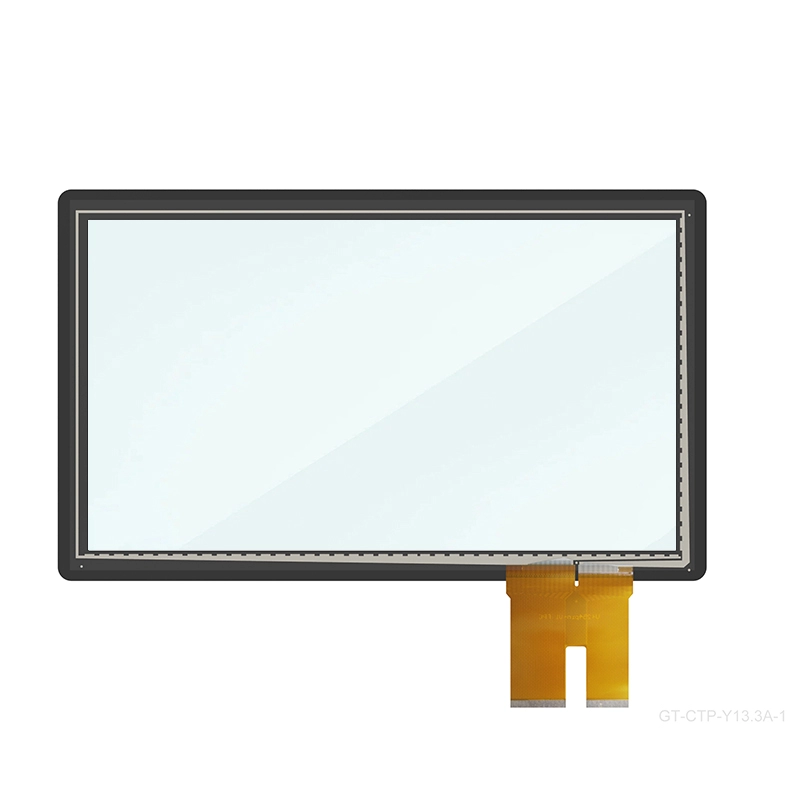
Optical Bonding for 10.4-23 Inch Capacitive Touch Screens: Benefits for Display Performance
Learn More



A capacitive touch screen is only one part of a complete touch interface. In an OEM device, the touch sensor needs to communicate correctly with a controller, connect to the host system, and work with the appropriate firmware and software. A mismatch between these components can lead to connection failures, inaccurate touch input, or unnecessary integration work.
For equipment manufacturers working with different host platforms and control architectures, Capacitive Touch Screen 10.1 to 21.5 Inches(H Series) provides a practical PCAP touch solution with support for multiple controller configurations. The H Series is compatible with WEIDA, ILITEK, and EETI USB and RS232 controllers, giving engineers more flexibility when integrating capacitive touch into industrial and commercial equipment.
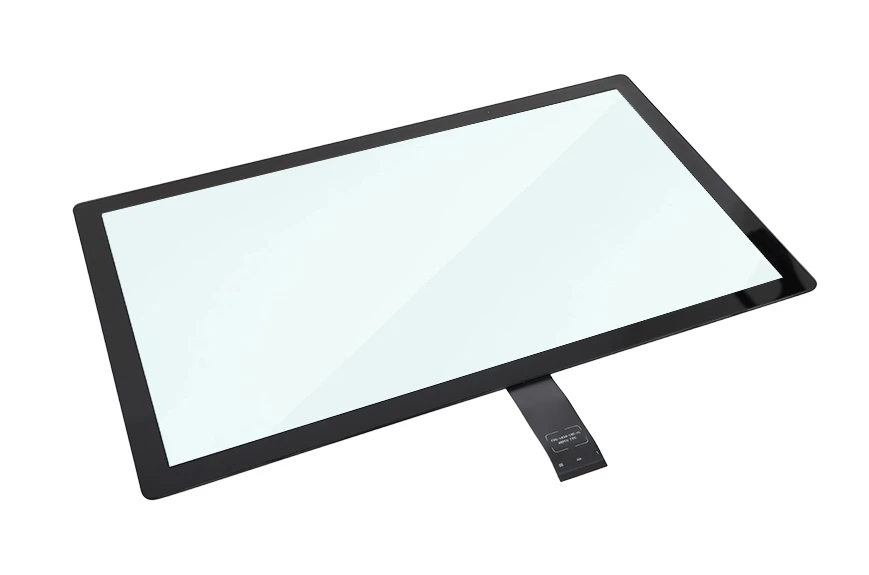
The controller acts as the communication bridge between the capacitive sensor and the host device. When a user touches the glass surface, the sensor detects the change in capacitance and sends the relevant information through the touch controller. The controller then processes the signal and communicates the touch data to the host.
If the controller, sensor, interface, firmware, and host system are not properly matched, the screen may not respond as expected.
Common integration problems include a touch screen that is detected but does not respond correctly, inconsistent multi-touch behavior, incorrect touch coordinates, intermittent connection, or the need for additional driver configuration.
This is why controller compatibility should be considered at the beginning of an OEM project rather than after the mechanical design has already been completed.
The H Series uses a projected capacitive touch architecture with industrial-grade touch-specific chips and optimized capacitive touch algorithms. The design supports stable touch accuracy, response latency, and multi-touch operation while maintaining compatibility with established controller solutions.
USB is widely used in modern touch devices because it is straightforward to connect to computers, embedded systems, and many industrial control platforms. For equipment using a standard USB host interface, a USB touch controller can simplify the connection between the touch panel and the main system.
RS232 remains relevant in industrial equipment where serial communication is already part of the control architecture. Older industrial computers, control systems, and specialized equipment may use serial interfaces as part of their established communication structure.
For this reason, having access to both USB and RS232 controller options can make the integration process more flexible.
The H Series supports WEIDA, ILITEK, and EETI USB and RS232 controller solutions. This allows equipment designers to select an appropriate controller according to the host interface and system architecture instead of redesigning the entire control system around a single communication method.
A typical integration process starts with the touch screen FPC and controller board.
The touchscreen FPC needs to be correctly aligned with the driver board pins. After the FPC and controller are connected, the USB or RS232 communication cable can be connected according to the selected controller configuration.
The controller is then connected to the motherboard or control card, while the USB connection can be connected to the host system when USB communication is used.
Once the hardware connection is complete, the system may require software configuration and touch calibration. The calibration process ensures that the physical touch position corresponds correctly to the displayed coordinates.
This process sounds simple, but the physical details matter. FPC orientation, connector position, cable routing, available installation space, and controller location should all be considered during the mechanical design stage.
In many OEM projects, the biggest challenge is not controller selection itself but the physical connection between the touch panel and the equipment.
The FPC outlet location determines where the touch panel can connect to the controller or motherboard. If the outlet is positioned in a location that conflicts with the enclosure, mounting bracket, display module, or internal cable routing, the equipment manufacturer may need to redesign part of the structure.
The H Series supports customization of the FPC outlet location. This is particularly useful for embedded devices where internal space is limited or where the mainboard position has already been defined.
Other structural parameters can also be customized, including glass thickness, casing, logo, packaging, and screen size.
For an OEM project, providing the supplier with a mechanical drawing or installation layout early in the development process can make it easier to determine the appropriate FPC arrangement and controller position.
Choosing a controller should start with the host system rather than the touchscreen alone.
Engineers should first identify the operating system, communication interface, motherboard or control card, available ports, and required touch functions.
The H Series supports mainstream Windows, Android, and Linux systems. This makes the product suitable for different types of embedded and interactive equipment, but system compatibility should still be verified for the specific controller and application.
For example, an industrial computer using USB may require a different controller configuration from an embedded control system using RS232. Similarly, a customized Android device may require specific firmware or software configuration before the touch interface is ready for production.
The touch screen, controller, firmware, and software should therefore be treated as one system rather than four completely separate components.
The H Series supports up to 20 touch points, depending on the selected configuration and application. Multi-touch capability can be useful in interactive interfaces where users need to zoom, rotate, write, operate multiple controls, or perform other simultaneous gestures.
However, the number of touch points specified for a sensor does not automatically guarantee identical performance in every host environment. Controller processing, firmware, operating system support, and application software all influence the final user experience.
This is why controller selection and firmware configuration are important parts of the engineering process.
With an appropriate controller and system configuration, the H Series is designed to provide accurate touch input, high sensitivity, smooth writing, and stable operation without unwanted disconnection or touch drift.
Controller compatibility is only one part of touch screen integration. The optical and mechanical structure also needs to match the equipment's requirements.
The H Series uses a glass and ITO glass structure with SCA and FPC components. Optical penetration is above 85%, supporting clear display visibility while maintaining the touch function.
The cover glass can be customized according to project requirements. Standard configurations can use 2–3 mm tempered protective glass, with impact protection reaching IK08 and up to IK10+ depending on the configuration.
This can be useful for equipment installed in environments where the front panel may experience accidental impact, frequent operation, or contact with hard objects.
Glass thickness should still be selected according to the equipment's mechanical requirements. Increasing glass thickness can influence the structural design and should be evaluated together with touch performance and the intended installation method.
Different operating environments may require different surface treatments. The H Series supports AG, AR, and AF options, as well as antibacterial and bacteriostatic treatments.
AG treatment can be considered where glare reduction is important. AR treatment is useful when reflections need to be controlled, while AF treatment can help reduce visible fingerprints and make the surface easier to maintain.
The appropriate treatment depends on the actual application rather than a universal preference.
The H Series can also be customized in terms of screen size, logo, casing, packaging, FPC outlet location, ITO glass thickness, controller, and interface. These options allow OEM customers to develop a touch panel around the equipment instead of modifying an existing machine to fit a fixed touch panel configuration.
Before placing an OEM or ODM order, buyers should prepare the following information:
Required touch screen size and aspect ratio
Display and installation dimensions
Host operating system
USB or RS232 interface requirement
Preferred controller or existing controller model
FPC outlet location
Required glass thickness
AG, AR, AF, or other surface treatment
Required touch points
Mechanical protection requirements
Firmware and software requirements
Expected production quantity and delivery schedule
Providing these details in advance helps reduce compatibility issues during sample testing and mass production.
It is also useful to provide the supplier with the host device model or development board when possible. This gives the engineering team more information for checking the controller and communication configuration.
Working with separate suppliers for the touch sensor, controller, firmware, and software can create additional coordination work during development. If a touch problem occurs, each supplier may identify a different component as the possible cause.
An integrated solution can simplify this process because the touchscreen and controller are developed and tested as part of the same system.
ShenZhen GreenTouch Technology Co.,Ltd. provides touch products and integrated touch solutions covering capacitive touch screens, resistive touch screens, infrared touch frames, nano touch foil, touch monitors, touch all-in-one PCs, digital signage, and other interactive equipment.
The company operates automated production lines and an enclosed dust-free workshop, with ISO9001 and ISO14001 certifications. Its products have also obtained certifications including CE, FCC, CB, RoHS, UL, CCC, and HDMI.
For touch screen development, GreenTouch has more than 20 technical engineers and operates Class 1000 dust-free lamination facilities supporting G+G, G+FF bonding, and TP+LCM full lamination processes. These capabilities allow the company to support projects that require more than a standard touch panel.
Controller compatibility is easiest to manage when it is considered before the touchscreen enters the final equipment design.
Start by identifying the host interface and operating system. Then determine whether USB or RS232 communication is more suitable for the existing architecture. Confirm the controller, FPC configuration, firmware requirements, and calibration process before finalizing the mechanical structure.
For OEM projects, it is equally important to confirm the physical integration requirements, including screen dimensions, FPC outlet position, glass thickness, mounting structure, and surface treatment.
The Capacitive Touch Screen 10.1 to 21.5 Inches(H Series) gives equipment manufacturers several of these options in one product series, including support for multiple screen sizes, up to 20 touch points, WEIDA, ILITEK, and EETI controller compatibility, Windows, Android and Linux support, and customizable structural and surface-treatment specifications.
By evaluating the touchscreen and controller as a complete interface system, equipment manufacturers can reduce integration problems, shorten development cycles, and build a more predictable touch solution for their final products. For projects requiring customized touch panels and controller integration, ShenZhen GreenTouch Technology Co.,Ltd. can provide the touchscreen, controller, firmware, and software as a coordinated solution.