 RU
RU ZH
ZH IT
IT ES
ES TR
TR JA
JA PT
PT KO
KO FR
FR DE
DE AR
AR ID
ID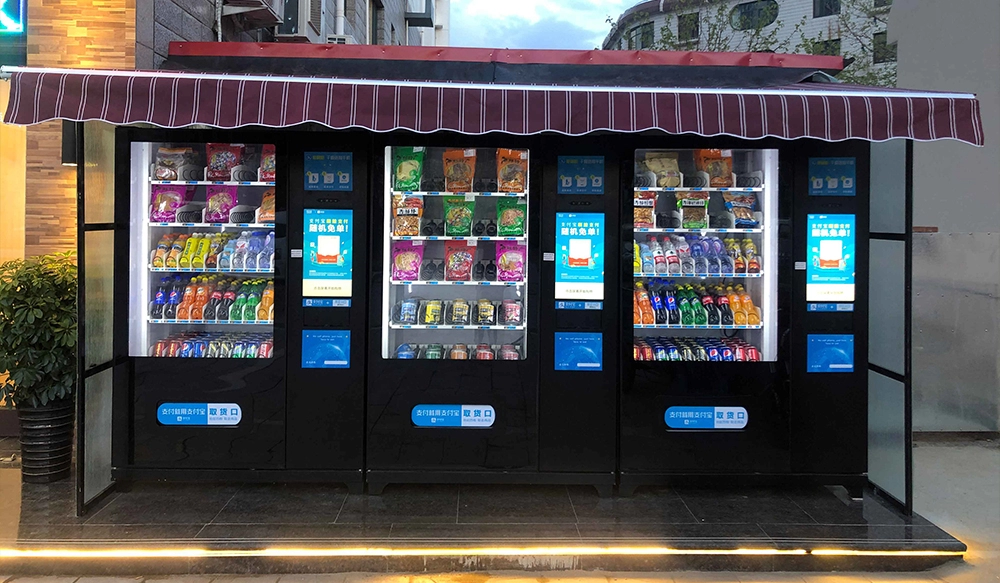
The usage of the automatic vending cabinet display screen
Learn More



1. What are the different types of capacitive touchscreens?
A: Mainly surface capacitive and projected capacitive (further divided into self-capacitance and mutual capacitance).
2. Why don't metal objects work properly on a capacitive screen?
A: Metal can shield or interfere with the electric field, causing touch abnormalities or misjudgments.
3. How many touch points can a capacitive screen recognize?
A: Typically supports 2-10 points of contact, high-end devices can reach over 100 points.
4. How to improve accuracy when using a stylus?
A: Choose a stylus specifically designed for capacitive screens and keep the tip clean.
5. What to do if the touchscreen is slow to respond?
A: Restart the device, clear the cache, update the system, or check the hardware.
6. Can a capacitive screen be used outdoors in strong sunlight?
A: Yes, but glare may affect visibility; it is recommended to enable automatic brightness.
7. Can capacitive touchscreens be used with screen protectors?
A: Yes, but a dedicated capacitive screen protector should be used to avoid affecting sensitivity.
8. Will tempered glass screen protectors affect capacitive screen performance?
A: High-quality tempered glass screen protectors have minimal impact; inferior screen protectors may cause signal attenuation.
9. How to determine if a capacitive screen is damaged?
A: Black screen, no response, misalignment, drift, partial malfunction, etc.
10. Does a capacitive screen need calibration after replacement?
A: Some devices require manual calibration, but most smart devices can perform it automatically.
11. Which interfaces does a capacitive screen support?
A: Common interfaces include I²C, SPI, USB, MIPI DSI, etc.
12. How does the capacitive screen communicate with the main control chip?
A: Touch data is transmitted through digital communication protocols (such as I²C/SPI).
13. Are all capacitive screens compatible with different systems?
A: Not fully compatible; driver and firmware versions must be matched.
14. How to choose the appropriate capacitive screen size?
A: Choose the appropriate size based on the device casing, resolution, and usage scenario.
15. How to clean the capacitive screen surface?
A: Wipe with a microfiber cloth dampened with water or alcohol. Avoid using corrosive cleaning agents.
16. How to prevent the capacitive screen from scratching?
A: Use a scratch-resistant protective film and avoid contact with hard objects.
17. How to solve touch position misalignment (inaccuracy)?
A: Perform touch calibration or replace the screen module.