 RU
RU ZH
ZH IT
IT ES
ES TR
TR JA
JA PT
PT KO
KO FR
FR DE
DE AR
AR ID
ID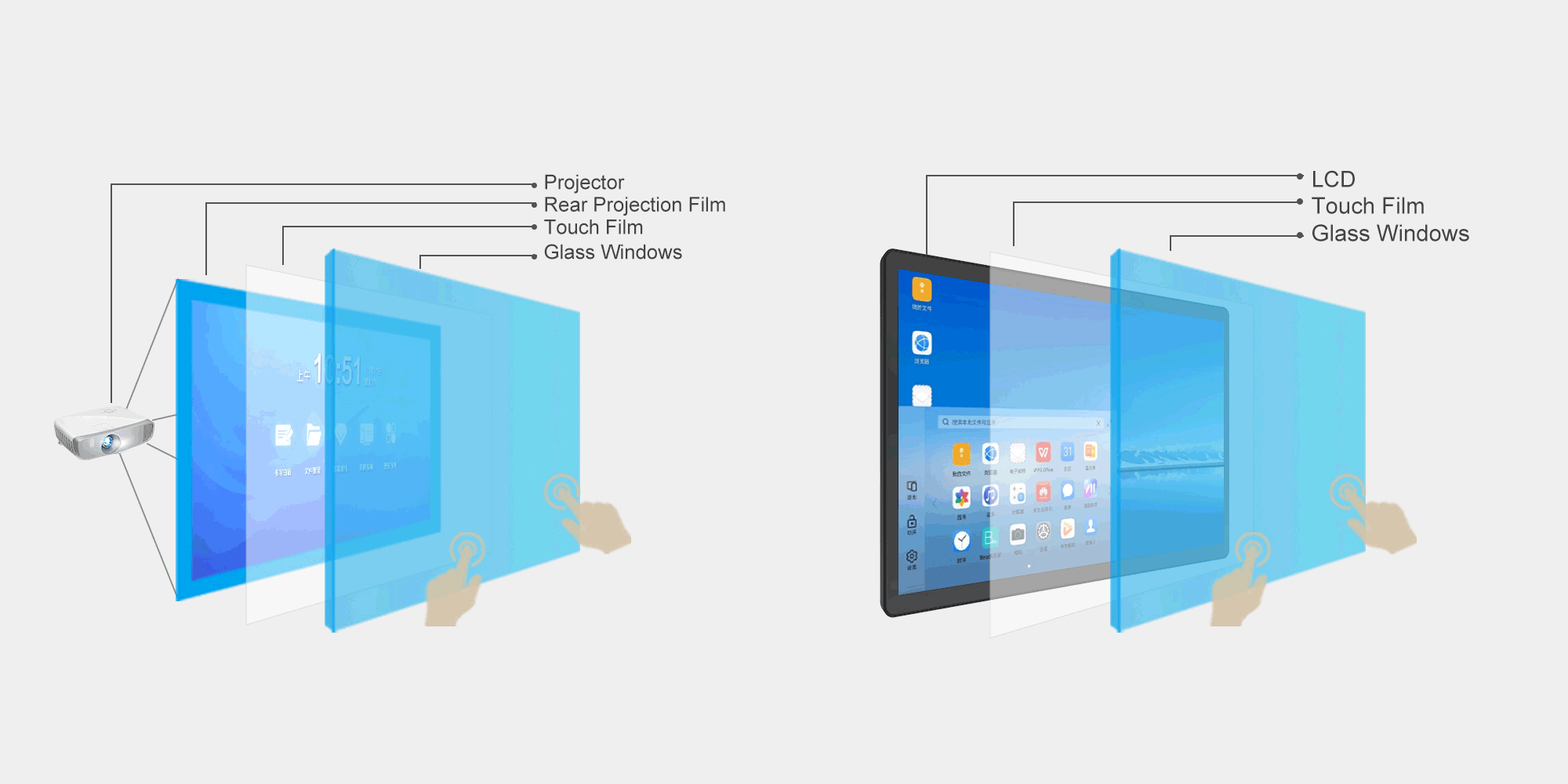
What Makes a Professional Interactive Touch Foil Factory Valuable for Custom Projects
Learn More



Touch monitors used in industrial equipment, outdoor terminals, transportation systems, and public information displays often face a basic but important problem: the screen must remain readable when surrounding light is strong. A standard display that works well indoors may become difficult to read near windows, under outdoor lighting, or in direct sunlight.
This is where screen brightness becomes an important part of display selection. A monitor with a higher luminance level can provide stronger visibility in bright surroundings, while the touch interface still allows operators or users to interact directly with the displayed content.
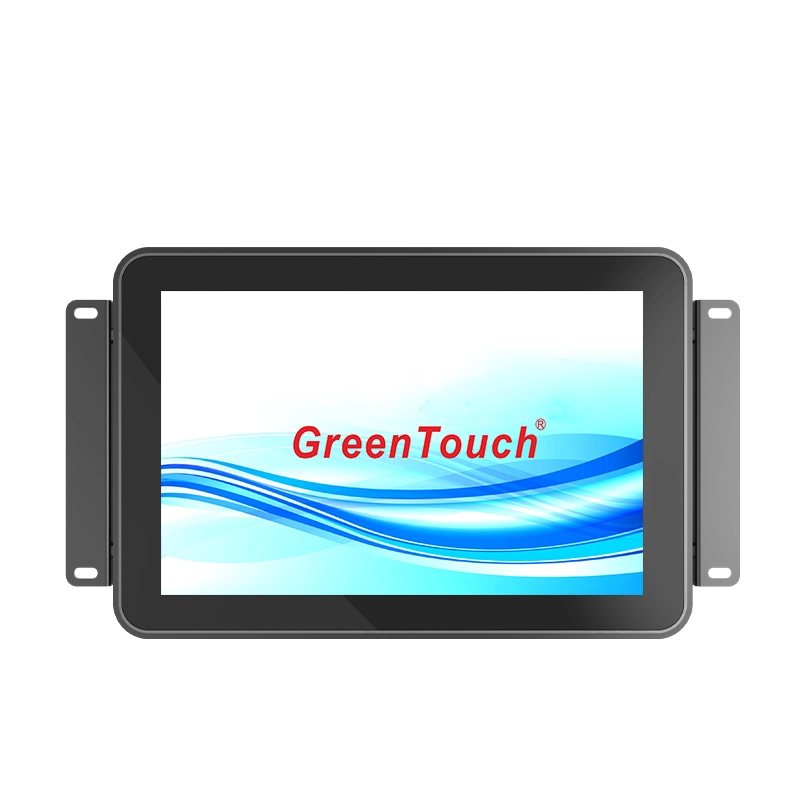
The High Brightness Touch Monitor 10.1-23.8 Inches (2CGL Series) is designed for applications that require both high-brightness display performance and interactive touch control. With 1000-nit brightness, projected capacitive 10-point touch, multiple display interfaces, and a range of screen sizes from 10.1 to 23.8 inches, the series can be integrated into various industrial and commercial environments.
The brightness of the surrounding environment directly affects how easily users can see information on a display. In a darker indoor environment, moderate screen brightness may be sufficient. However, when ambient light becomes much stronger, the contrast between the display content and its surroundings can become less noticeable.
This problem can occur in several practical situations. A transportation terminal may be installed in an area exposed to daylight. An industrial control cabinet may be positioned near a large factory window. An outdoor energy system may require a local interface for maintenance personnel. Retail and food-service equipment may also be placed in areas with strong overhead lighting or direct daylight.
In these environments, display brightness is not simply a specification listed on a datasheet. It directly affects whether operators can read values, instructions, menus, status information, or control interfaces without repeatedly changing their viewing position.
A 1000-nit display provides substantially stronger luminance than many conventional indoor monitors, making it better suited to applications where ambient light is difficult to control.
Nits are used to describe display luminance. In simple terms, a higher nit rating means the screen can produce a brighter image.
However, choosing a high-brightness monitor should not be based on the number alone. The actual application environment, viewing conditions, screen size, installation position, and content being displayed all matter.
For example, a control interface containing small numbers, alarm messages, or equipment parameters may require clearer visibility than a simple public display with large text. Likewise, a monitor installed behind glass or in a brightly illuminated location may have different visibility requirements from one installed inside a protected control cabinet.
The 1000-nit brightness of the 2CGL Series is intended to address these demanding viewing environments while retaining touchscreen functionality. This makes the series relevant to applications where users need to both see information clearly and interact with the display.
Industrial equipment frequently places displays in locations that are not optimized for viewing. The monitor may be installed on a production machine, inside a control cabinet, near a factory entrance, or next to equipment exposed to changing levels of ambient light.
Operators need to check machine status, adjust settings, acknowledge alarms, or enter operating commands without unnecessary delays.
A high-brightness touchscreen can help improve the usability of these interfaces. The High Brightness Touch Monitor 10.1-23.8 Inches (2CGL Series) combines a 1000-nit display with 10-point projected capacitive touch technology. The touch panel is designed for sensitive response and accurate fixed-point operation, allowing users to interact directly with industrial software or control interfaces.
The available support for Windows, Android, and Linux also provides flexibility when integrating the monitor into different equipment platforms.
Brightness is not the only factor affecting display readability. The relationship between the touch panel and LCD also matters.
The 2CGL series uses an optically bonded touch panel and LCD panel. By integrating the two layers more closely, optical bonding can help reduce the visual impact of the air gap between components.
This can be useful in applications where light reflection and viewing clarity are important. When combined with high display brightness, optical bonding supports a display structure designed for demanding visual environments.
It is important, however, to treat brightness and optical construction as complementary factors rather than expecting one specification to solve every visibility problem. Screen placement, viewing angle, external reflections, protective structures, and ambient lighting should still be considered during equipment design.
High brightness is only useful if the monitor fits the equipment and provides enough viewing area for the intended interface.
The 2CGL Series covers sizes from 10.1 to 23.8 inches, giving equipment designers several options for different installation spaces and interface requirements.
The available sizes include:
10.1 inches with a 16:10 aspect ratio
10.4, 12.1, and 15 inches with a 4:3 aspect ratio
17 and 19 inches with a 5:4 aspect ratio
13.3, 15.6, 18.5, 21.5, and 23.8 inches with a 16:9 aspect ratio
This range is useful when replacing existing displays or designing a new control interface. A smaller 10.1- or 12.1-inch monitor may be appropriate when cabinet space is limited, while a 15.6- or 21.5-inch display can provide a larger working area for more detailed interfaces.
For equipment upgrades, matching the existing opening and aspect ratio can also reduce mechanical modification work.
The installation method can have as much impact on product selection as screen specifications.
The 2CGL series supports embedded, wall-mounted, and desktop installation. For embedded applications, the monitor comes with an external bracket and mounting screw holes, allowing it to be recessed into a cabinet or equipment enclosure.
This configuration is particularly useful for industrial HMI applications where the display needs to become part of the machine rather than sit separately on a desk.
For wall or pole mounting, the monitor supports VESA 75 × 75 mm and 100 × 100 mm mounting configurations. It can also be installed in landscape or portrait orientation depending on the application.
Desktop installation is possible with the corresponding VESA mounting bracket. Because the mounting components can be removed and repositioned, equipment designers have greater flexibility when determining the final installation arrangement.
A high-brightness display still needs to communicate reliably with the equipment controlling it. Different industrial systems may use different video outputs depending on the age and architecture of the machine.
The 2CGL monitor provides HDMI, VGA, DP, DVI, DC IN, audio, and USB Type-B connectivity. Having multiple interfaces makes it easier to integrate the monitor into both newer and existing equipment.
The downward-facing rear port arrangement also helps with installation where cable routing space is limited. Instead of cables extending directly backward into the cabinet or mounting area, the connection arrangement can support cleaner routing in different installation scenarios.
The monitor can also be configured to automatically power on or off according to the presence of current or a video signal, which can be useful in equipment where the display needs to follow the operating state of the host system.
Industrial and outdoor equipment may experience temperature changes that are not present in a typical office environment.
The 2CGL series supports an operating temperature range of -20°C to 70°C and a storage temperature range of -30°C to 80°C. Operating humidity is specified at 20% to 80% without condensation, while storage humidity is 10% to 90% without condensation.
The monitor also carries IP65 and IK08-related protection specifications and relevant certifications including CE, FCC, RoHS, CB, EMC, HDMI, and CCC.
These specifications can be useful when the monitor is being integrated into industrial machinery, transportation equipment, energy systems, security equipment, or other environments where dust, moisture, impact, or temperature variation needs to be considered.
They should still be evaluated against the complete enclosure and installation environment. The protection level of the monitor does not automatically define the protection level of the entire machine or cabinet.
The combination of high brightness, touch interaction, multiple sizes, and flexible mounting makes this type of monitor suitable for a broad range of applications.
In industrial automation, it can serve as an operator interface for machines and control systems. In transportation, it can provide interactive information or equipment status where ambient lighting changes throughout the day.
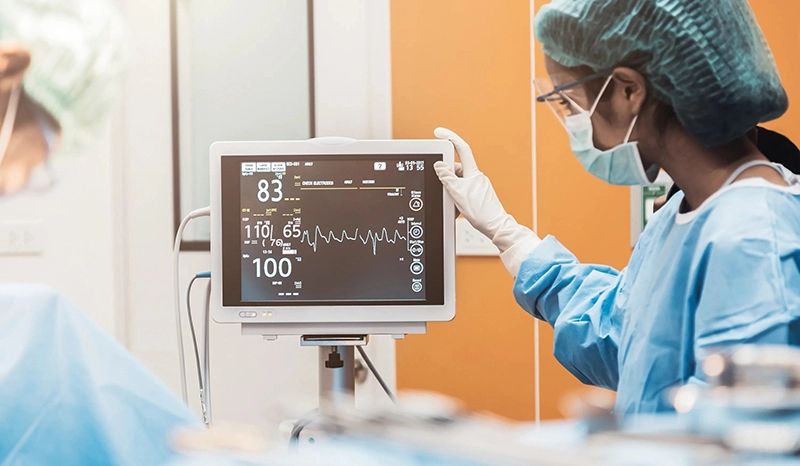
Medical equipment can benefit from a clear local interface when operators need to read parameters quickly. Retail and food-service equipment can use touch monitors for ordering, control, or self-service applications.
Energy and outdoor operations present another important use case. Equipment installed outdoors or in semi-outdoor locations cannot always rely on controlled lighting, making high-brightness display technology useful for local monitoring and interaction.
Continuous operation places different requirements on a touch monitor than occasional consumer use. The 2CGL series is specified for maximum non-stop 24/7 operation, making it suitable for equipment that remains active throughout production or service periods.
For system designers, continuous operation means more than simply leaving the screen powered on. The display must be considered together with its mounting structure, ventilation, power supply, operating temperature, control system, and maintenance access.
A properly selected high-brightness monitor can therefore contribute to a more usable and dependable equipment interface, particularly when operators need to access the display throughout long working shifts.
The High Brightness Touch Monitor 10.1-23.8 Inches (2CGL Series) is developed and supplied by ShenZhen GreenTouch Technology Co., Ltd., a manufacturer focused on touch products and interactive display solutions.
The company operates a fully enclosed dust-free workshop and automated production lines, with quality management supported by ISO9001 and ISO14001 certifications. Its product portfolio covers capacitive and resistive touch screens, infrared touch frames, nano touch foil, touch monitors, touch all-in-one PCs, and digital signage products.
For touch display manufacturing, production capabilities include Class 1000 dust-free lamination and bonding processes such as G+G, G+FF, and TP+LCM full lamination. The company also has dedicated R&D resources, with more than 20 technical engineers and ongoing development of new products and patented technologies.
These manufacturing capabilities are relevant when selecting touch monitors for OEM equipment because display quality depends on more than the LCD panel itself. Touch integration, bonding, mechanical structure, production control, and testing all influence the finished product.
A high-brightness touch monitor should be selected according to the actual environment rather than simply choosing the highest brightness specification available.
Before specifying a monitor, equipment manufacturers should consider where it will be installed, how much ambient light it will receive, what information users need to read, how the touchscreen will be operated, and how the monitor will be mounted.
Screen size, aspect ratio, resolution, interface compatibility, temperature range, protection requirements, and duty cycle should also be checked against the equipment design.
The High Brightness Touch Monitor 10.1-23.8 Inches (2CGL Series) provides a practical combination of 1000-nit brightness, 10-point capacitive touch, multiple screen sizes, flexible mounting, broad connectivity, and 24/7 operating capability. These characteristics make it suitable for industrial, transportation, medical, public information, retail, energy, and outdoor applications where both visibility and interaction matter.
For equipment designers working in bright or changing-light environments, choosing the right display is ultimately about maintaining clear information and reliable user interaction where standard indoor monitors may no longer be sufficient.